
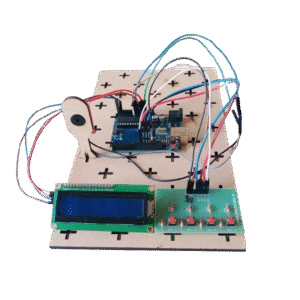
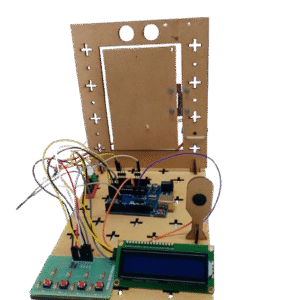
A Morse Code Generator is an electronic device that converts text messages into Morse code signals using LED’s, buzzers, or other output devices. It typically uses a microcontroller, like Arduino, to process the input text and generate accurate dot and dash sequences. The project helps users understand digital communication, signal processing, and timing concepts. It is widely used for educational purposes, hobby projects, and learning programming skills. The generator provides a practical and interactive way to study Morse code while improving knowledge of electronics and microcontroller interfacing.
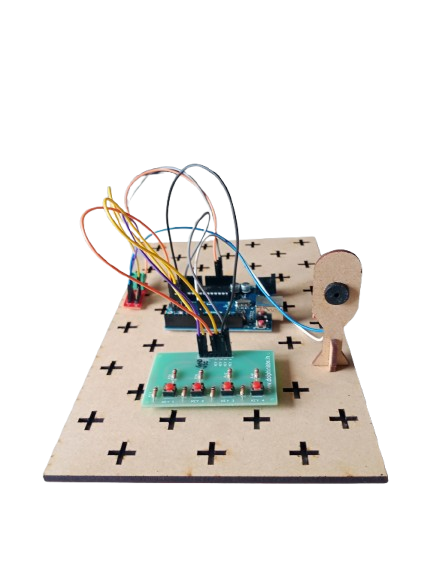
Morse Code Generator
In Stock
A Morse Code Generator is an electronic project designed to convert text input into Morse code signals using Arduino, a keypad, and a buzzer. Morse code is a method of encoding text characters as sequences of dots and dashes, widely used in communication systems, especially in emergency signaling and amateur radio. This project demonstrates signal encoding, microcontroller programming, and interactive electronics.
Description
Related products
-

A Ultrasonic Distance Measurement System using Arduino and an ultrasonic sensor that calculates the distance of an object based on the reflection time of ultrasonic waves and displays the result on the serial monitor.
-

The Automatic Watering System provides an efficient, reliable, and convenient way to maintain soil moisture levels without human intervention. By using sensors and a microcontroller, the system ensures that plants receive the right amount of water at the right time, reducing water wastage and promoting healthy plant growth. It is an eco-friendly solution that saves time, energy, and resources, making it ideal for both domestic and agricultural use.
-

A Vibration Detection System using Arduino, a vibration sensor, and a buzzer that triggers a sound alert when vibrations or movements are detected.
-
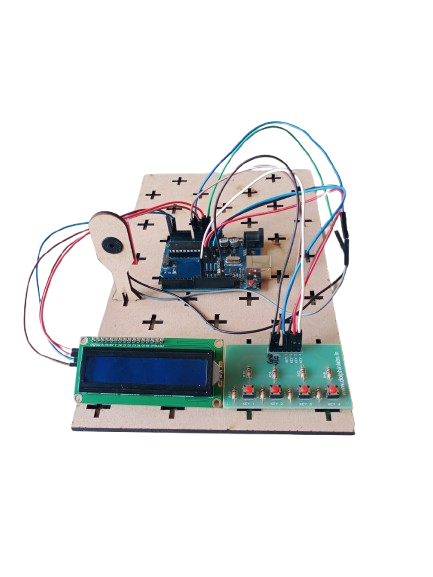
A Reaction Time Game is an interactive electronic project designed to measure a user’s response speed. Using an Arduino, keypad, buzzer, and LCD, the system tests how quickly a player can respond to a visual or auditory signal. This project is widely used in educational setups, gaming, and psychology experiments to study reflexes and reaction times.
-
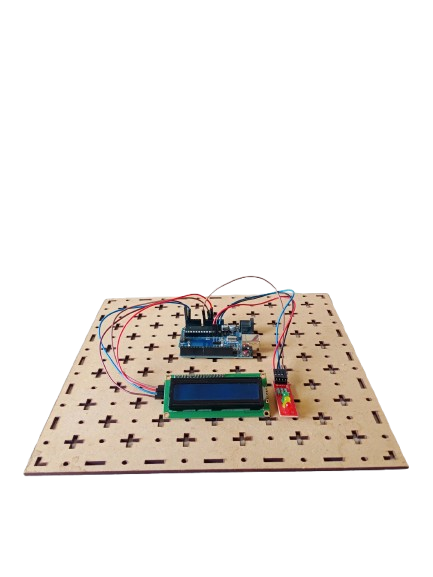
A Traffic Light Signal is an electronic project designed to manage vehicle and pedestrian traffic at intersections. Using Arduino, LEDs (Red, Yellow, Green), and an LCD, the system simulates real-world traffic light behavior, displaying signal changes with appropriate timing. This project demonstrates traffic management, embedded system programming, and microcontroller-based automation.
-
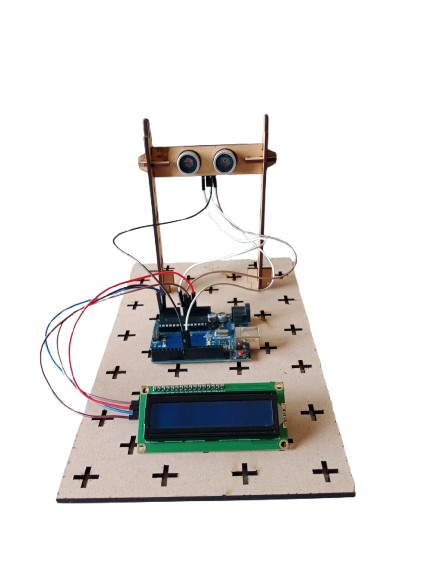
A digital ruler is an electronic measuring device that provides precise measurements of length, width, or depth. Unlike traditional rulers or tape measures, digital rulers use sensors and electronic displays (often LCD or LED) to show measurements accurately, usually in both metric (mm/cm) and imperial (inches) units. They are widely used in engineering, design, woodworking, tailoring, and education where precision is critical.

