
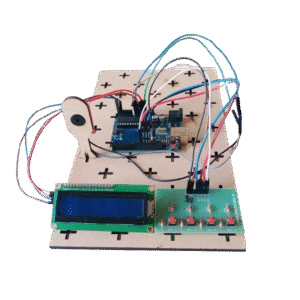
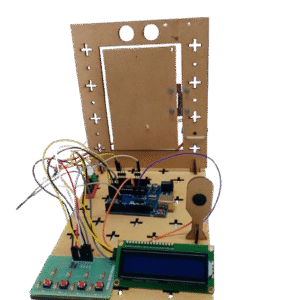
A Morse Code Generator is an electronic device that converts text messages into Morse code signals using LED’s, buzzers, or other output devices. It typically uses a microcontroller, like Arduino, to process the input text and generate accurate dot and dash sequences. The project helps users understand digital communication, signal processing, and timing concepts. It is widely used for educational purposes, hobby projects, and learning programming skills. The generator provides a practical and interactive way to study Morse code while improving knowledge of electronics and microcontroller interfacing.
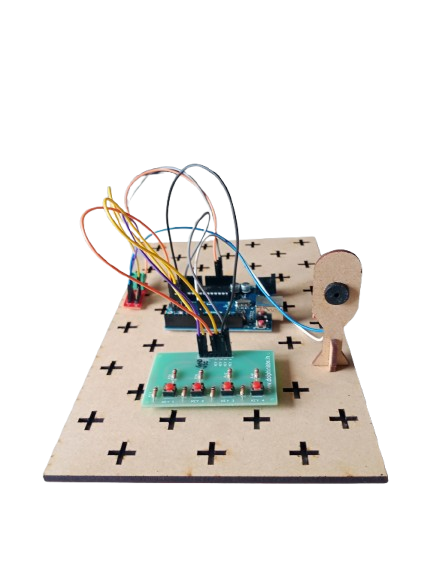
Morse Code Generator
In Stock
A Morse Code Generator is an electronic project designed to convert text input into Morse code signals using Arduino, a keypad, and a buzzer. Morse code is a method of encoding text characters as sequences of dots and dashes, widely used in communication systems, especially in emergency signaling and amateur radio. This project demonstrates signal encoding, microcontroller programming, and interactive electronics.
Description
Related products
-

The Automatic Watering System provides an efficient, reliable, and convenient way to maintain soil moisture levels without human intervention. By using sensors and a microcontroller, the system ensures that plants receive the right amount of water at the right time, reducing water wastage and promoting healthy plant growth. It is an eco-friendly solution that saves time, energy, and resources, making it ideal for both domestic and agricultural use.
-
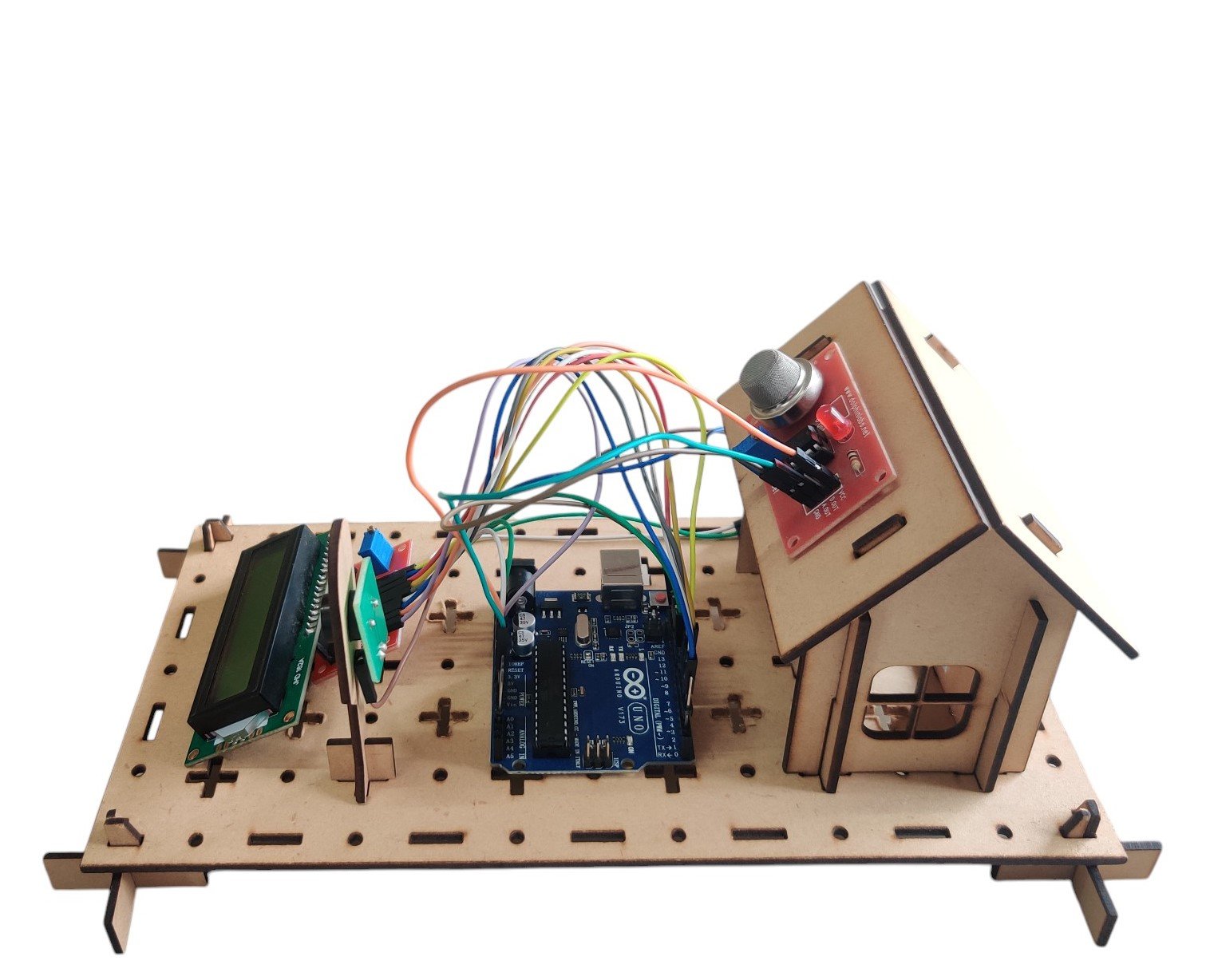
An Arduino-based smoke detection system using an MQ-3 sensor, buzzer, and LCD display to alert users when smoke or harmful gases are detected.
₹1,450.00 -

A Soil Moisture Detection System using Arduino, a soil moisture sensor, and a buzzer that sounds an alert when soil moisture is detected.
-
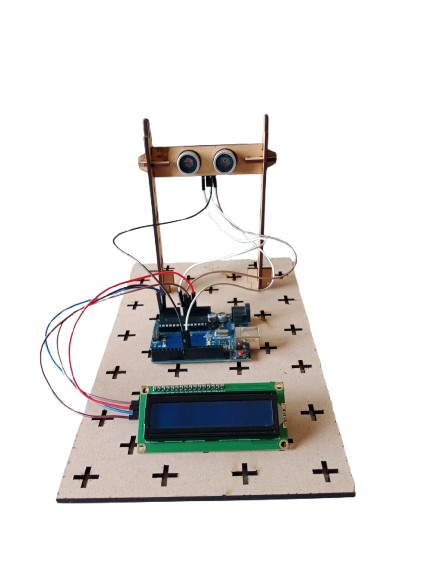
A digital ruler is an electronic measuring device that provides precise measurements of length, width, or depth. Unlike traditional rulers or tape measures, digital rulers use sensors and electronic displays (often LCD or LED) to show measurements accurately, usually in both metric (mm/cm) and imperial (inches) units. They are widely used in engineering, design, woodworking, tailoring, and education where precision is critical.
-
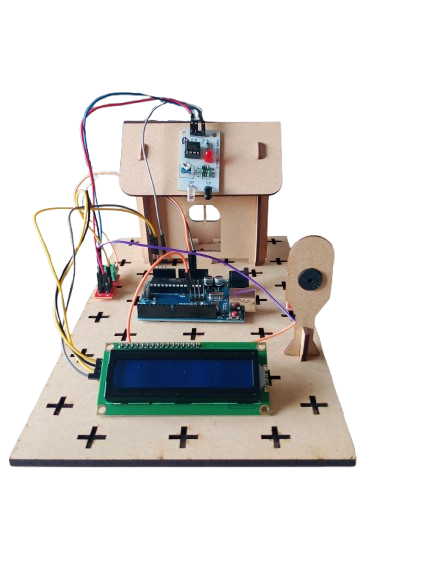
A Visitor Counter automatically counts the number of people entering or leaving a room using an IR sensor. The count is displayed on a 16×2 LCD, and a buzzer can alert when a specific limit is reached. This project is widely used in shops, libraries, offices, and events to monitor occupancy. It demonstrates sensor interfacing, counting logic, and real-time display using Arduino.
-
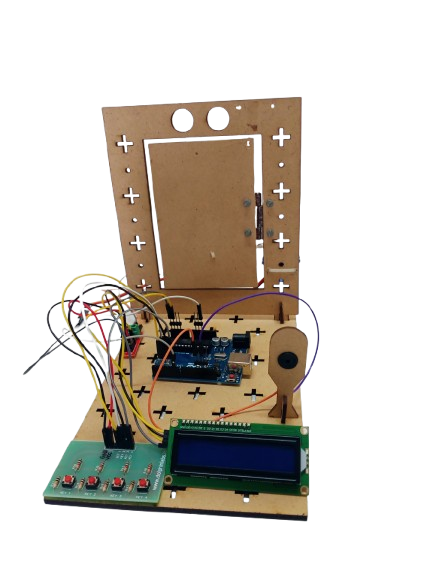
A Digital Lock System is an electronic security project designed to control access using a password entered via a keypad. It utilizes an Arduino, keypad, LCD, servo motor, and buzzer to provide a safe, automated locking mechanism. When the correct password is entered, the lock opens; if the wrong password is entered, an alert is triggered. This project is widely used in home security, lockers, safes, and access-controlled systems.

